
1. Start a club and invite your group
Create a private club for your group, open a table, and send its invite link to the group chat. Friends tap the link, get the app, and land at your table.
2. Pick the game
Choose No Limit Hold'em, Pot Limit Omaha or Short Deck, a cash game or a Sit 'n Go, and up to six seats. The host sets the blinds and the buy-in, and can change them as the game goes.
3. Take your turn whenever
When it's your move, your phone buzzes with what you're facing. Act in a few seconds and put the phone away. There's no shot clock. If your group wants a quicker game, the host can set a pace from six hours to two days a turn.
4. Play several tables at once
Run a few tables and play your turns in a batch: there's usually a move waiting when you open the app.
5. Talk between turns
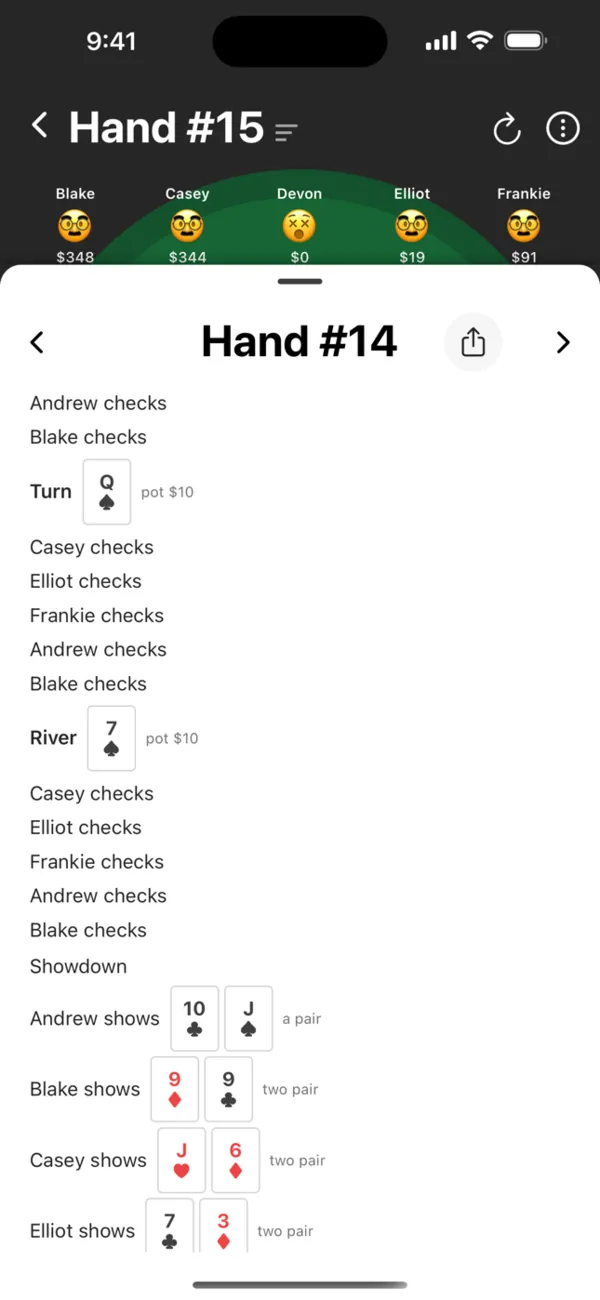
Table chat and voice notes keep the table talk going, and the chat calls out the big moments: all-ins, busts, players adding chips and the blinds going up.
6. Settle up at the end
Every buy-in and cash-out goes into the club ledger. When you're done, it shows each player's net and the fewest payments that get everyone even.
Questions
- Do we all need to be online at the same time?
- No, and that's the idea. Each player acts when they're free, and the app tells the next player it's their turn.
- How fast does a game go?
- As fast as your group plays. A table moves when the player it's waiting on acts, so a quick group gets through plenty of hands in a day, and a busy one might play a few.
- What if everyone is online at once?
- Then it plays like a live table, and turns come back to you in seconds.
- Will my phone buzz all day?
- Only when it's your move, or when something happens that you asked to hear about. Each kind of notification can be turned on or off in the app's settings.
Start your game
Free on iPhone and iPad. Invite your group with a link.
